
Diagonal Quilt Backing Calculator
ONE RECTANGLE · TWO TRIANGLES · ONE SEAM
Make wider quilt backing with a diagonal seam
Find a practical cut length, see how the triangles slide, and compare the fabric purchase with straight panels.
Editable examples
Buy 3.375 yd · usable width 40 in
Cut rounded UP; purchase rounded separately. Flat fabric model.
Cut a rectangle 40 in wide by 120.375 in long. Cut a single straight line from one corner to the opposite corner. The dashed line is the cut. Keep the triangles in their original orientation.
Compare the fabric purchase
Vertical panels
3.25 yd2 panels, each 40 in × 57 in.
1 seam · 114 in total cut length · trim to 60 in × 57 inHorizontal panels
3.375 yd2 panels, each 40 in × 60 in.
1 seam · 120 in total cut length · trim to 60 in × 57 inStraight panels use 0.125 yd less fabric to buy.
Purchases assume continuous yardage cut into these panels. No print matching, extra shop-cut reserve or offcut optimisation.
Is a diagonal backing right for this quilt?
Is a diagonal backing right for this quilt?
The diagonal method, commonly attributed to John Flynn, widens one rectangle by cutting corner to corner and sliding the triangles. It is most useful for a modest width increase. A wider target can require much more fabric; compare the purchase below before choosing. Your quilter may prefer a straight seam. Directional prints, motifs and nap may not align after the slide.
Measurements describe prepared, flat, unstretched fabric. Include your quilter’s requested overhang on every edge. The purchase does not include extra for shrinkage, squaring uneven shop cuts or matching prints. A diagonal bias edge can stretch: support it while sewing. Confirm the plan on paper or a small sample before cutting valuable fabric.
What the seam allowance changes
What the seam allowance changes
For usable fabric width W, raw cut length L, target backing width B and seam allowance a on each edge, the assembled full-width height is H = L × (2 − B/W) − 2a × √(W² + L²)/W. The seam allowance is measured perpendicular to the cut, not horizontally. We find the first supported cutting increment that supplies the required height. This is the minimum on that increment for this flat construction, not the best of every possible piecing method.
A finite solution requires B < 2W − 2a. If the width already fits, keep the fabric in one piece. The corner-to-corner cut is only 45° for a square; the displayed angle is measured from a long fabric edge. Slide distances are measured between the two original corners in the flat diagram, after accounting for the seam.
The straight-panel comparison uses identical backing size, seam allowance, cutting step and purchase increment. Each full-width panel is cut to the target length; adjacent panels lose two seam allowances. Horizontal panels rotate that plan. It does not optimise offcuts or match prints. Purchase savings compare these specific plans, not all possible layouts.
Inputs use decimals (a comma is accepted), rounded to the nearest micrometre. Quilt sides: 1–200 in; usable width: 12–120 in; overhang: 0–12 in; seam allowance: ⅛–1 in. Diagonal cut lengths above 1,000 in are not supported. Diagrams are proportional guides, not full-size templates; seam widths are magnified for visibility.
References and other cutting plans
References and other cutting plans
See Jinny Beyer’s diagonal backing worksheet for the cut, slide and trim method. Traditional width-adjustment estimates can differ slightly from this perpendicular-seam model.
Use the quilt backing calculator for straight panels, or the quilt binding calculator for the edging strips.
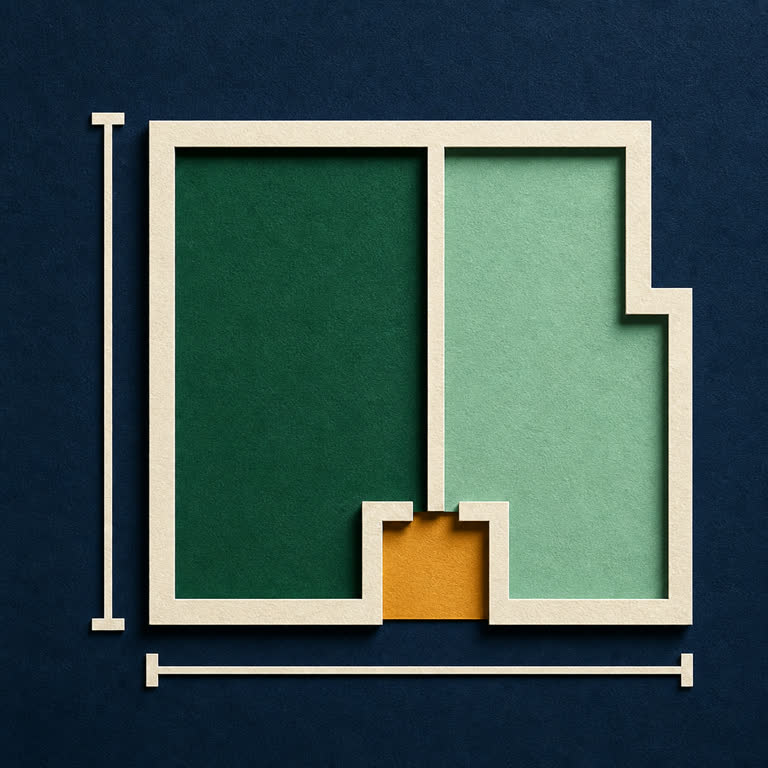





Plan a diagonal quilt backing with a rounded cut length, illustrated slide and seam, straight-panel comparison and printable cutting plan.