Wheel Offset Calculator — Compare ET, Width & Spacers
Compare wheel positions, save candidate setups and find an offset range from your entered movement limits. Keep nominal reference edges separate from measured wheel lips.
Compare wheel positions from width and signed offset. This is reference-edge geometry, not a vehicle fitment approval.
Current 7.5 in ET45 → candidate 8.5 in ET35; no spacers. Nominal bead-seat edges; physical lips and tyres can differ.
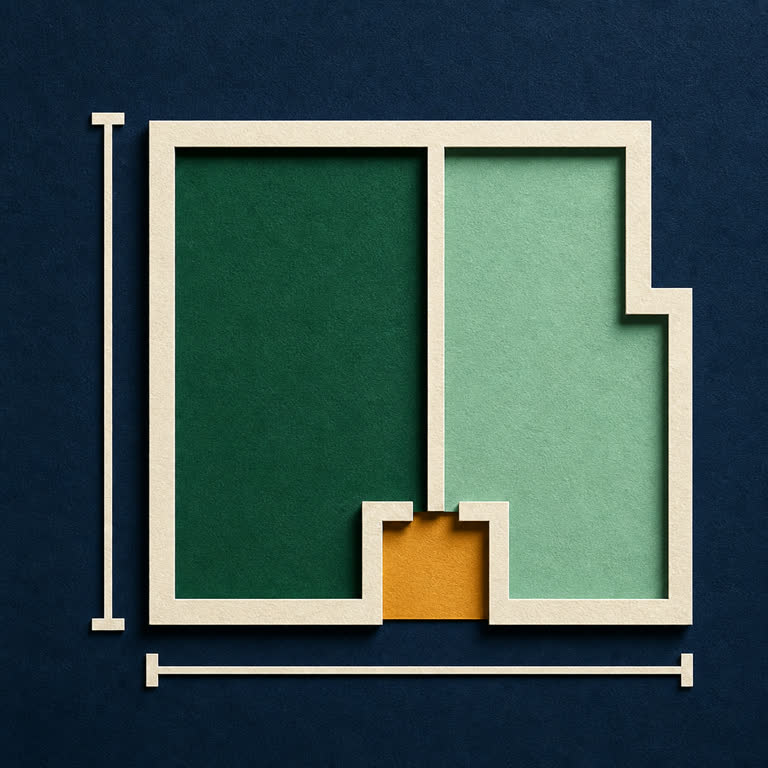
Labelled example. Enable JavaScript for your own comparison.
Copy the planning sheet manually
How to read the result and check the actual wheels
Positive inward movement means less room on the inside; outward movement projects toward the fender. Increasing ET shifts the centerline inward. A spacer reduces effective ET. For the same wheel, a 10 mm spacer moves both reference edges outward by 10 mm.
Width changes split across both edges. With effective offset e = ET − spacer, inward reach = width/2 + e and outward reach = width/2 − e. Differences compare those reference reaches. Symmetric axle track change is twice the centerline movement only when both wheels on that axle use the same change.
Nominal wheel width is measured between the bead seats. Physical lips, tyre sidewalls, brake clearance, bolt pattern, load capacity, hub fit and steering or suspension travel require separate checks. A passing entered limit does not prove the wheel fits your vehicle.
Backspacing uses actual inner lip to mounting face. Optional measured overall width gives overall/2 + stamped ET under the symmetric-lip assumption. It is distinct from spacer-adjusted mounted position.
Illustrative examples: 7.5 in ET45 to 8.5 in ET35 with no spacers gives 2.7 mm added inward and 22.7 mm added outward movement. Same 8 in ET45 wheel with a 10 mm candidate spacer gives −10 mm inward and +10 mm outward movement. Presets reset all optional measurements, limits and saved options.
Software bounds: width 1–30 in (25.4–762 mm), ET −300 to +300 mm, spacer 0–100 mm, overall width up to 35 in, movement allowances 0–2000 mm; up to nine decimal places. These limits are not recommended vehicle specifications.
Sources: Tire Rack offset definition; ECS Tuning offset and backspacing guide.