
Fabric Yardage & Cut Layout Calculator
YOUR CUTTING TABLE
Make room for every piece
Plan rectangular cut pieces on one layer of fabric. See the layout, buy a sensible length or check an offcut you already own.
Editable examples
50 in layout + 10% extra, rounded to 9 in increments.
Purchase length: 63 in. Single layer · cut sizes include your allowances · a feasible plan, not proven optimal.Your pieces
Enter cut dimensions, including all seam and hem allowances. “Length” follows the grain along the roll. Allow a quarter turn only if your fabric and pattern permit it.
Use whole quantities, up to 100 pieces in total.
Your cutting layout
Numbers identify individual pieces. Arrows show each piece’s grain. Select a number for exact dimensions and position.
Panel · piece 1. Cut 19 in wide × 25 in long. Position: 0 in from the left edge, 0 in from the top. Grain follows fabric length.
| Cut piece | Width × length | Qty | Direction |
|---|---|---|---|
| Panel | 19 in × 25 in | 4 | Grain locked |
| Side strip | 6 in × 41 in | 2 | Grain locked |
Worksheet includes this diagram and the cut list; it is not an actual-size pattern.
A plan you can check before cutting
The layout tries several piece orders and rectangle placements, then keeps the shortest complete arrangement found. It is a practical cutting plan, not a guarantee of the smallest possible yardage. Pieces may touch; add any necessary cutting gaps to your cut dimensions before calculating.
Grain-locked pieces keep their length parallel to the fabric length. Permitted quarter turns are marked in the piece details. Pieces are never flipped or turned upside down. Use a single layer: this tool does not create mirrored pieces or pieces on a fold. Directional motifs may still need extra spacing or matching.
Buy mode adds your percentage of extra length to the layout length, then rounds up to the purchase increment. For example, 50 in × 1.10 = 55 in; rounding up to a 9 in increment gives 63 in (1.75 yd). All dimensions refer to usable, prepared fabric. Plan separately for washing shrinkage, defects and print matching.
Existing-cut mode checks the entered usable rectangle without applying purchase reserve. If no complete layout is found, that does not prove the pieces cannot fit. Oversized pieces are identified separately. Check the numbered diagram and cut list against your pattern before cutting. The printed worksheet is a reduced reference, not an actual-size pattern.
Measurements are stored to the nearest micrometre (0.0001 cm); enter decimal numbers, not mixed fractions. These cushion panels are an example cut list, not a complete cushion sewing pattern.
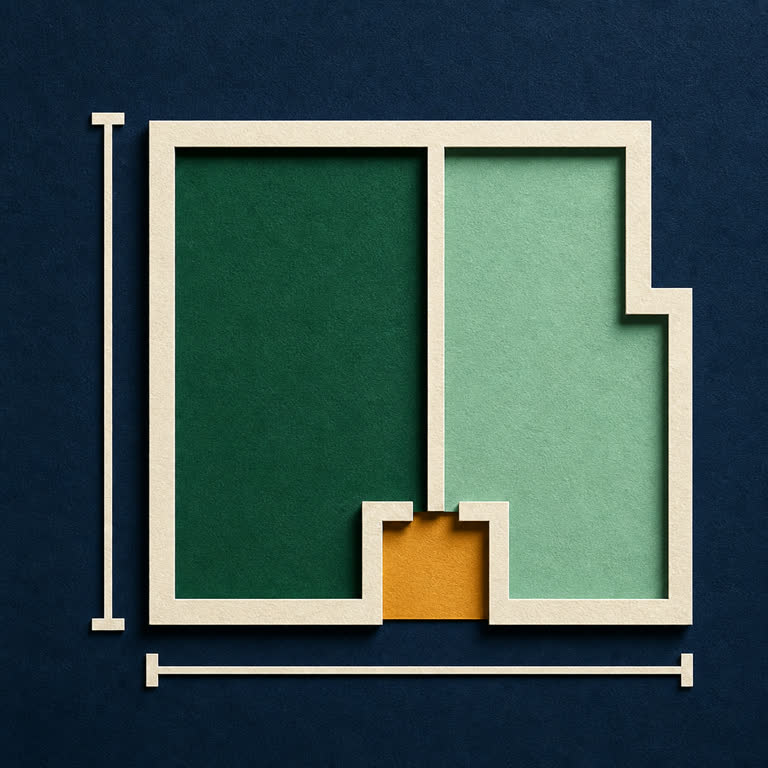





Lay out rectangular fabric pieces with grain controls. Calculate yardage to buy, check an existing cut and print your cutting worksheet.